There are a myriad of filmmaking apps for the iPad that have come out over the years, I look at my top 5 favorites that have proven their usefulness on various shoots and in preproduction.
1 – Shotlister
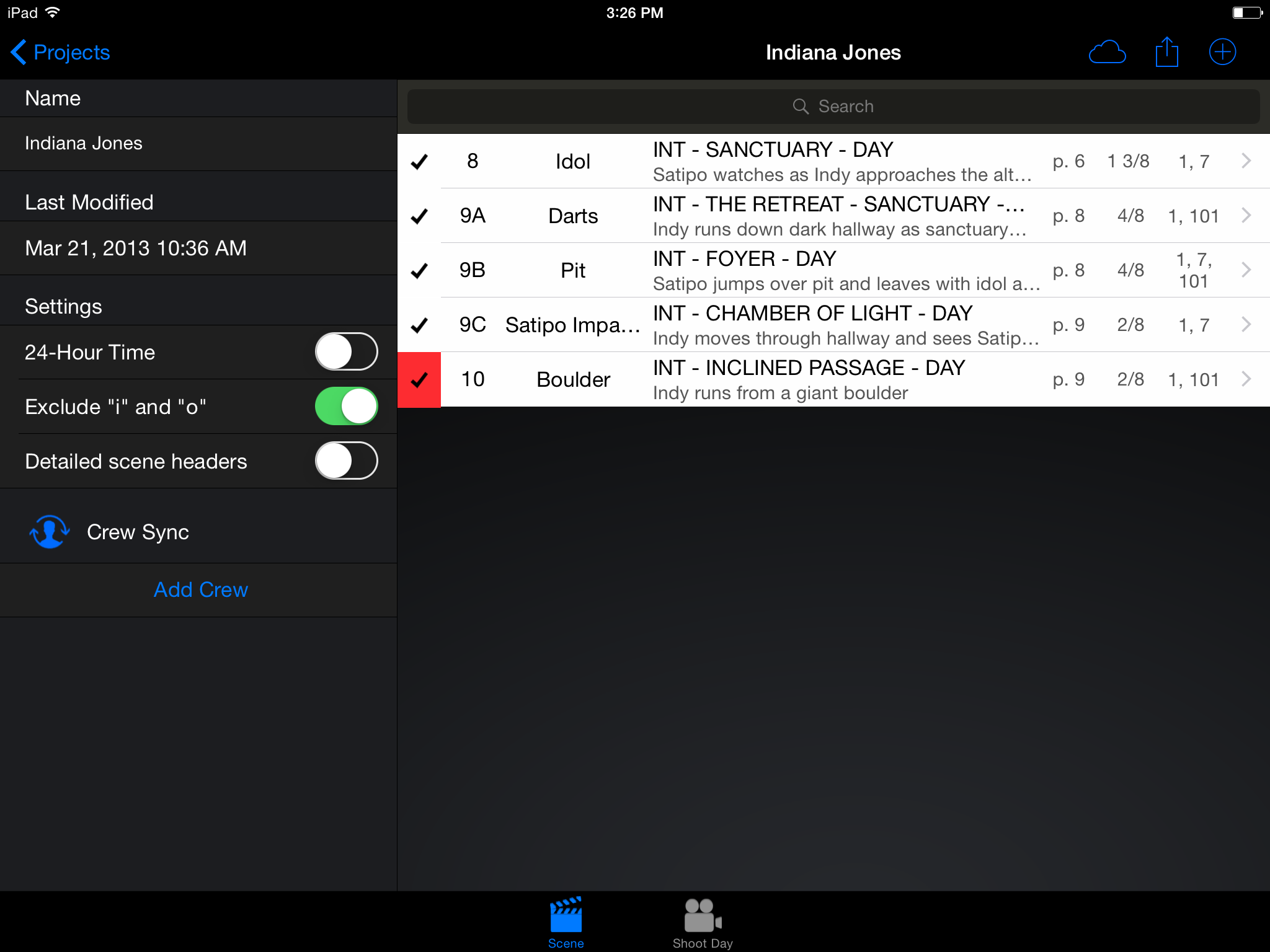
shotlister.com Shotlister is an app we’ve used countless times to schedule shoots both complex and simple. The flexibility of organizing shortlists by camera setup, name, scene, and others is a tremendous time saver. But the real power of shotlister is the ability to create shotlists… then schedule them. After you’ve created a shotlist, you can go into the “schedule” portion of the app and organize all of your shots by shoot day. This function has really helped our team on countless shoots. While we’ve always been able to schedule shot lists and put them to the day, the “crew sync” feature, which allows you to share and collaborate on shotlists, has helped the process along. You are able to add storyboards or pictures for each shot, which can really help on quick-turn projects, or multi-unit shoots. Shotlister also allows you to export the schedules and shotlists in a beautiful PDF form that many of our clients have liked the design of. Shotlister costs $13.99 per year for a pro account.
2 – Easy Release
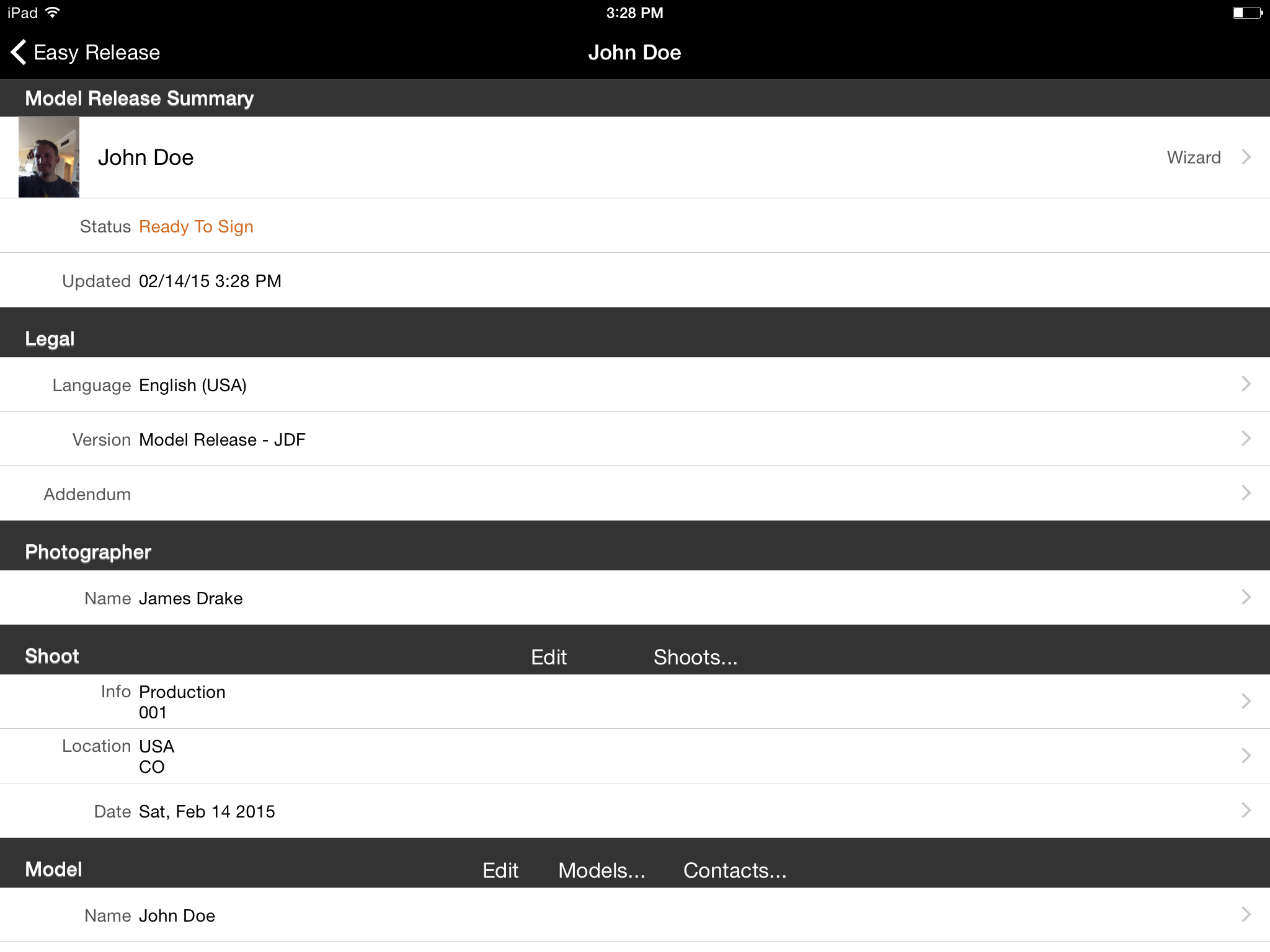
Easy release says it all in the name. An easy way to get release forms from models and property. It has a quick way to set up a “shoot”, and add as many talent as you need to that shoot, as well as locations. It has a lot of features, including the ability to input compensation information (with $3.99 upgrade). It’s very easy, and I like the ability to hand off the iPad to someone on set, and have them go through the process with talent when they have a few minutes to sign the release. The program asks to take a picture of talent, for ID purposes, and then they sign digitally. It is then all stored on iCloud (if you choose) and saved. No more lost talent release forms! Easy Release costs $9.99, with an additional $3.99 price tag to get the full customization of releases (I think is a must because it makes signing the forms quicker, requiring less fields).
3 – Pocket Call Sheet
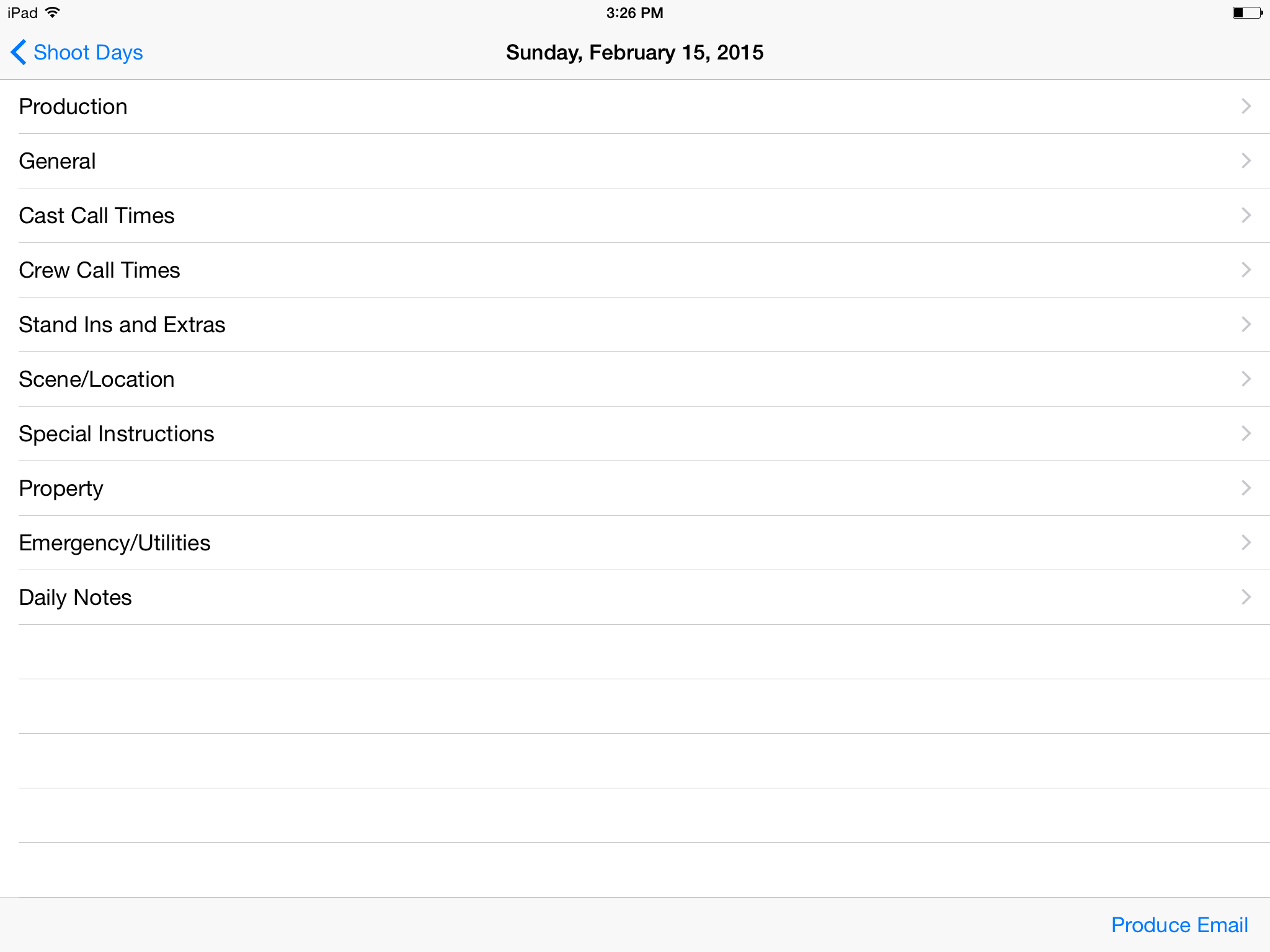
Pocket Call Sheet is a wonderful tool that allows you to create call sheets on the fly for upcoming productions. One valuable tool is the ability to quickly add contacts from your iPad/iphone contact list, so for myself, a lot of the people I put on the call sheet are already in my phone as contacts. Quick and easy. There is a lot of depth to this tool, and in some cases there are so many fields that it is a bit exhaustive for quick low budget shoots, but I like the abilities it offers and the ease of putting a nice call sheet together on the iPad. Pocket Call Sheet costs $6.99.
4 – Pro Prompter
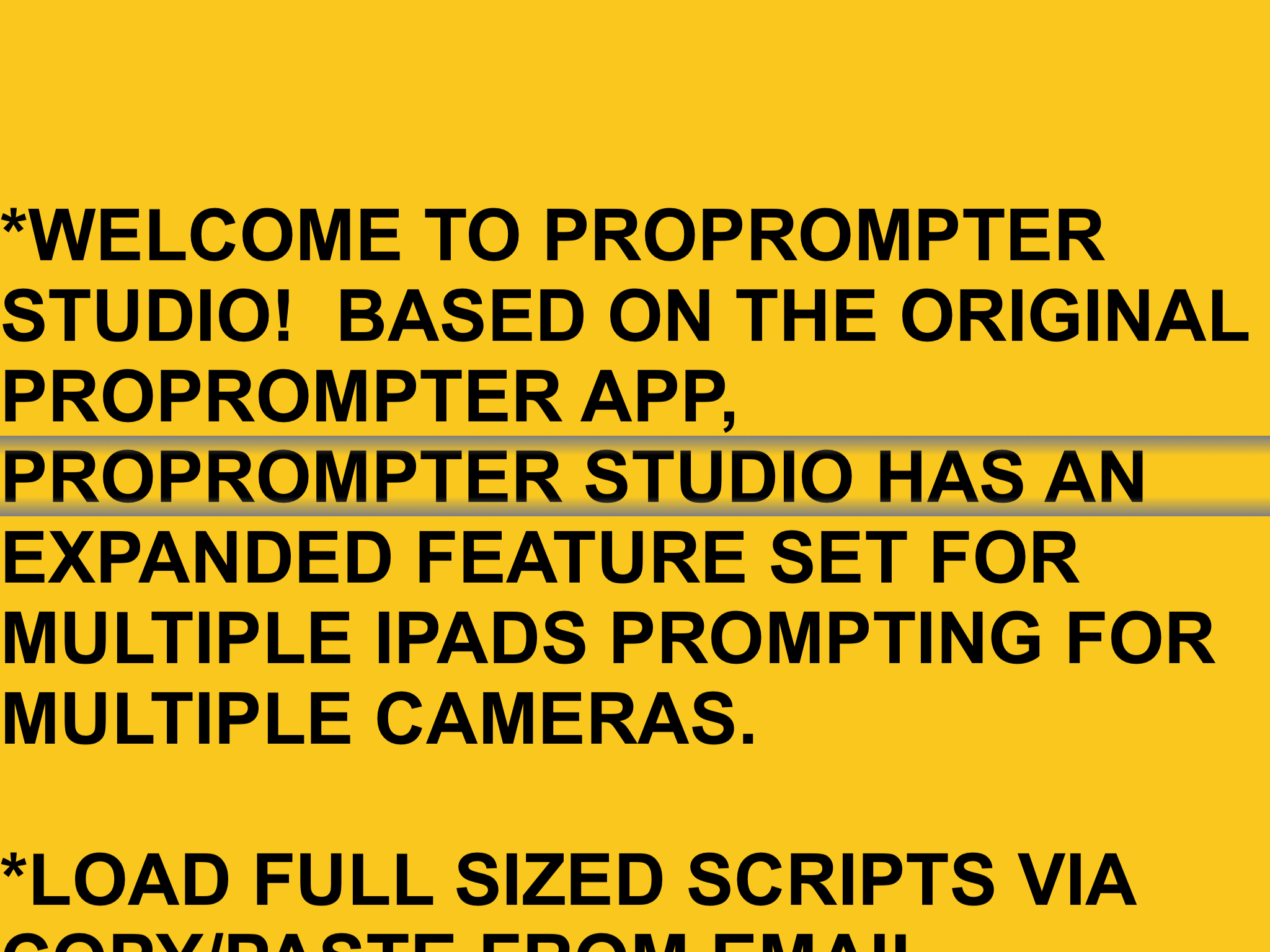
Pro prompter is a very cool teleprompter app that allows you to use a portable teleprompter system like the ultra portable Pad Prompter. It is easy to use and fairly intuitive. The way we’ve used it is to connect two iPads together through the app, and then control the speed of the prompter on the mirror image of the iPad sitting in your lap. Pretty neat tool, and it’s a tool you already have with you. As far as consolidating gear goes, this is awesome. Pro Prompter costs $9.99 on the app store.
5 – CTRL + Console
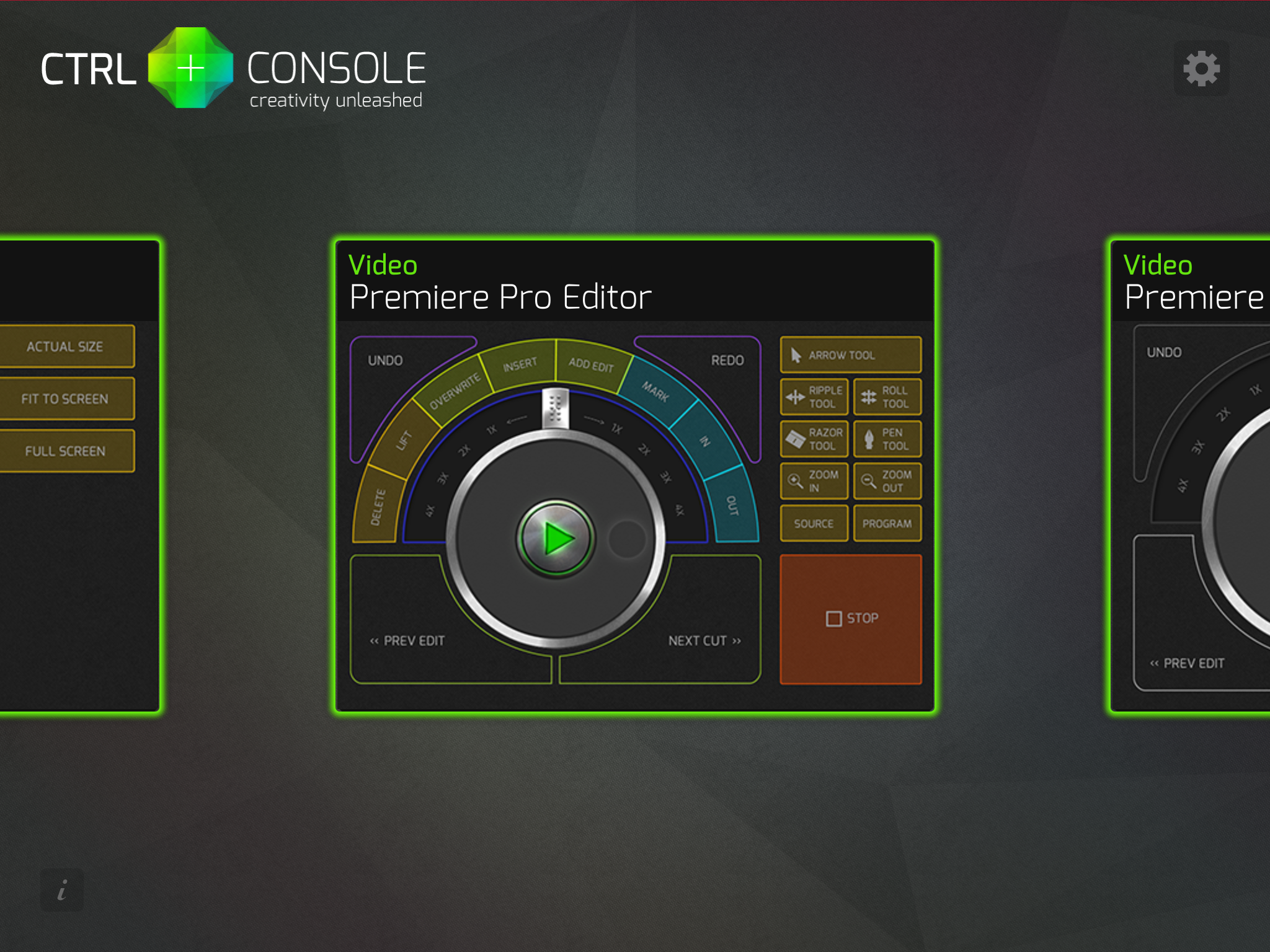
Control Console is something I just recently discovered through some blogs. It is effectively a control surface for Premiere, FCP, and other applications. It has a useful interface that allows you to edit with ease. It connects with your computer wirelessly. I like it because I can sit back and enjoy editing from the couch if I’m on the road and instead of hovering over a laptop, I can be more comfortable. With practice CTRL + Console can become quite fast. It costs $29.99 for each interface (Premiere, FCP) and also has some more basic editors for $4.99.
Let me know what iPad apps you use for filmmaking that you use!